Synthesia.io: A Guide to Creating AI Generated Videos + Avatars
In the modern world, advanced AI technologies have made it easier than ever to produce high-quality video content. Synthesia.io is at the forefront of this revolution, providing an array of features to help streamline your production process. Don’t worry if you don’t have the right microphone, or if you don’t want to be on camera, Synthesia.io offers AI generated avatars and voices to bring your video ideas to life. This tutorial will guide you through the steps of creating, editing, and sharing AI-generated videos using Synthesia.io.
Getting Started
Before you create your video, make sure to have a script written out. Synthesia.io has several tips for writing your video script here. Your script will depend on many factors, such as your audience, goal, and intended video format. Synthesia.io also offers AI writing assistance, allowing you to generate a script based on your answers to a couple of prompts.
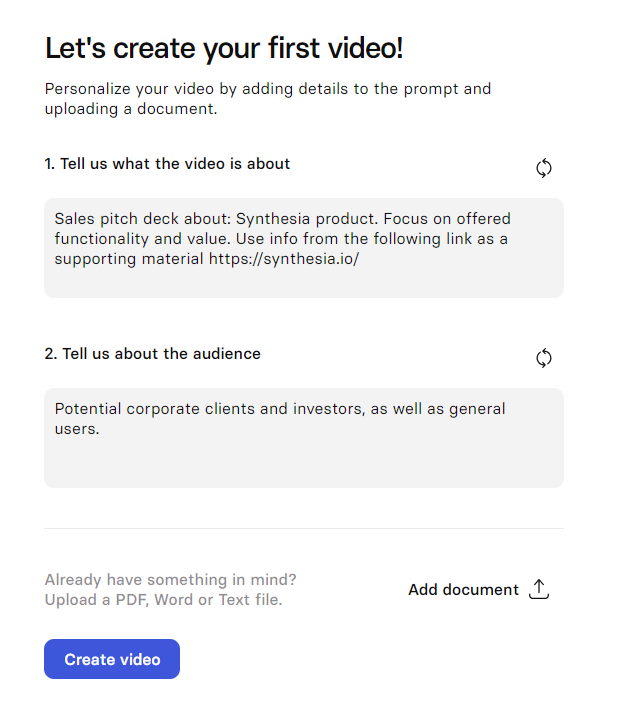
Once your script has been written, navigate to synthesia.io and log in to get started.
- Start a Project: Once logged in, you’ll land on the dashboard. Click on “New Video” to begin creating your project.
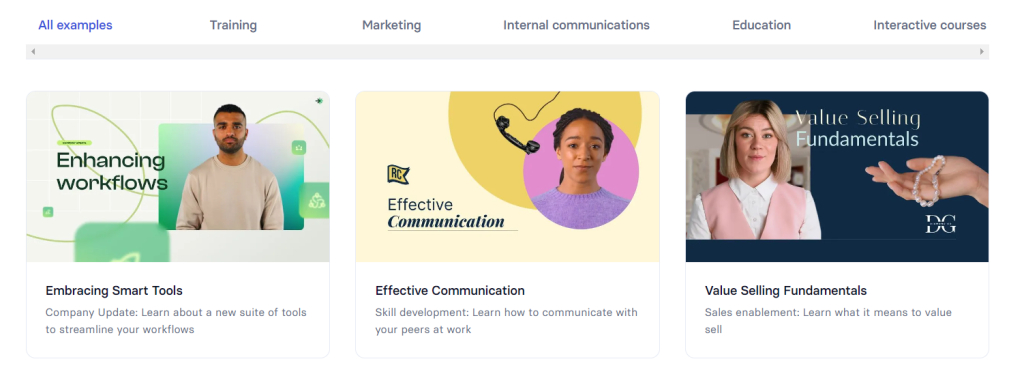
- Choose a Starting Point: You can either start with a blank project or select a video template. Alternatively, you can import content from PowerPoint to jump-start your project.
Customizing Your Video
Select an AI Avatar
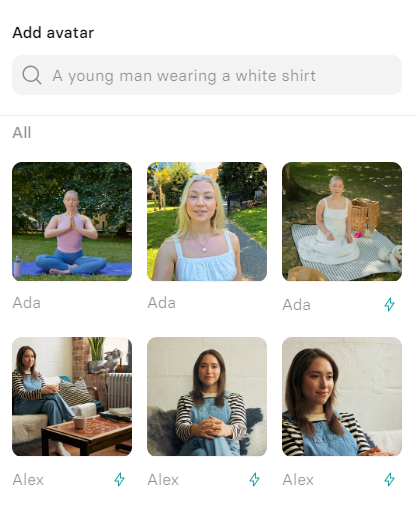
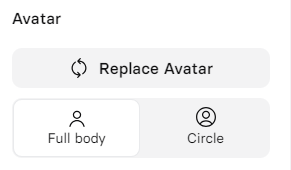
- Choose Your Avatar: Click on “Avatar at the top of the video canvas. Browse the available AI avatars and select whichever one you would like. Synthesia.io offers a variety of avatars, so you can choose from the expansive library for one that best suits your video.
- Avatar Framing: Decide how you want the avatar framed in the video:
- Waist up
- Chest up
- Full body
- Voice only
Paste your Script and Add Voiceover
- Input Script: Paste your script into the designated area. Synthesia.io will automatically select a voice based on the avatar you selected, or you can choose a different voice from the voice library
- Voiceover Options: Synthesia.io also offers add-ons for the voiceover process. These allow you to add custom AI voices or even clone your own voice.
Edit your Video Content
- Text: Click on “Text” at the top of the video canvas to add text elements. Adjust the layout and coordinates, and set text properties such as font and size.
- Shapes: Click “Shape” to add shapes to your video. You can customize these shapes by clicking on them and adjusting properties such as color, border, and opacity in the right-hand panel.
- Media: Click “Media” to upload images, videos, or icons, You can use stock content from Synthesia.io, upload content from your own device, or access previously uploaded files.
- Screen Recording: To add screen recordings, click “Record Screen.” Choose whether to record a specific tab, window, or the entire screen.

Editing Toolbar
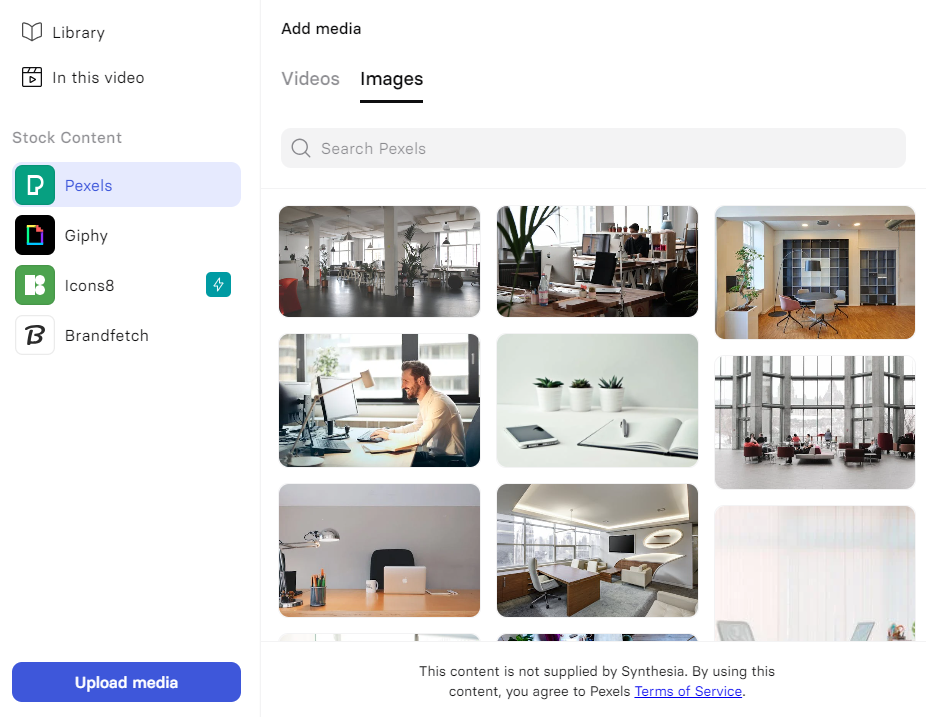
Add Media from Synthesia.io supported libraries, or upload your own
Enhance with Animations and Transitions
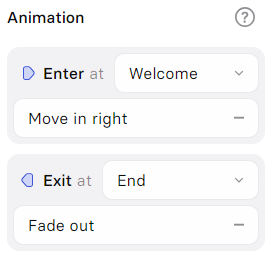
- Animations: Select the element you want to animate and click “Animation” on the right side. Choose the type of animation, then adjust duration, delay, and velocity to your desired values.
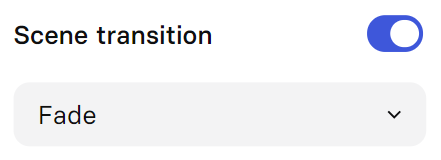
- Transition: To add seamless transitions between scenes, select a scene and toggle “Scene Transition.” Then you can select your desired transition type.
Add music
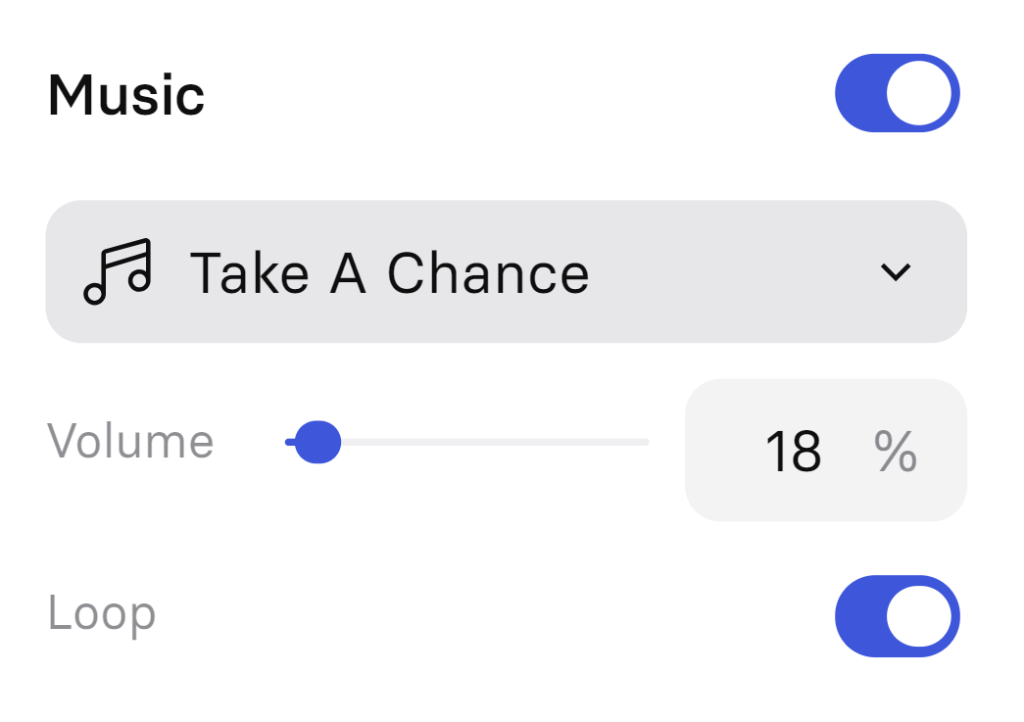
To add background music, click on a scene and enable the “Music” toggle. You can select from Synthesia.io’s library of available tracks, or upload your own.
Preview and Generate
- Preview: Click “Play” to preview your video and make sure everything looks and sounds as expected.
- Generate: Once you are satisfied with your video preview, fill in the video’s title and description. Then, choose if you want to include captions. Finally, click “Generate” to produce your video!

Collaboration and Enterprise Features
Collaborate with Teams
- Live Collaboration: Work with your team in real-time by using the platform’s live collaboration features.
- Brand Kit: Add your company’s logos and colors to maintain brand consistency throughout your videos.
- Enterprise Readiness: Synthesia.io offers enterprise solutions to ensure you have secure access to the platform and to maintain ethical use of AI.
Synthesia.io can be seamlessly integrated with other tools such as PowerPoint and LMS systems to help streamline your video creation process.
Synthesia.io empowers users to create high-quality, AI-driven videos quickly and efficiently. It offers unique tools such as AI avatars and voiceovers, to help customize the video creation process to fit your needs. By following this guide, you can leverage Synthesia.io’s robust features to produce engaging content, whether that is for your brand, personal content, or anything else. Explore the platform’s capabilities, experiment with the various unique elements, and enhance your communication strategies with cutting-edge AI technology.
Check out Synthesia using our affiliate link, and start elevating your videos today!
More like this

Palantir’s Alex Karp Just Called the AI Industry “Effing Insane” Here’s What He’s Really Selling You
Alex Karp Just Told You Not To Trust Your AI Vendor. He’s Also Selling You the Fix. Palantir’s...

Schools Chose AI Detection Over AI Fluency. Now Your Kid Is on Your Clock.
More than half of America’s K-12 teachers cannot tell you what their school’s policy on AI is. Not...

Which Job Gets Its 1000X Next
Somewhere out there is a developer shipping in a week what used to eat a team for a...